
Spread joy and share a smile!
Send a personalised video from Santa to your loved ones in support of the Smile Foundation!


Magic delivered in 3 simple steps
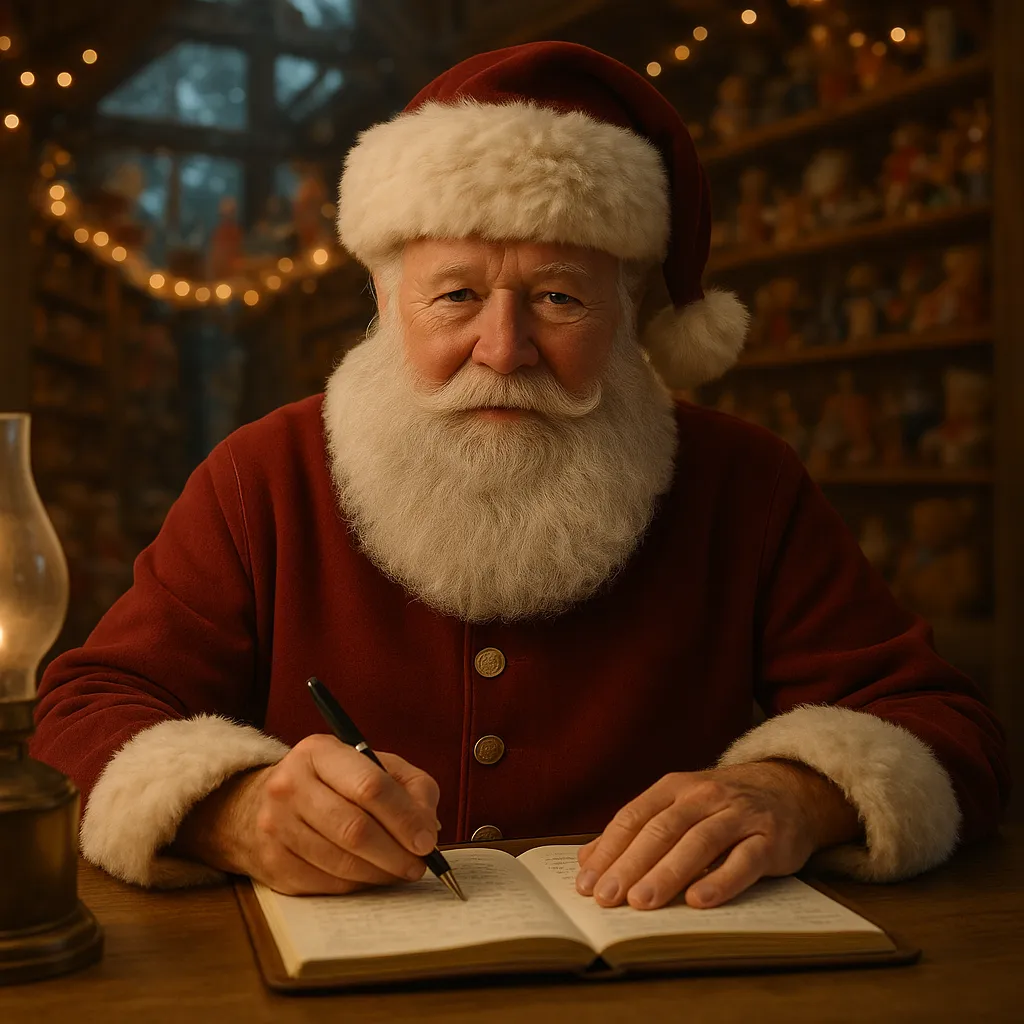
Help Santa get to know them
Enter a few fun details about the child or loved one (name, age, some personal detail, a recent achievement, sports they play, etc) in the language you want Santa to speak.
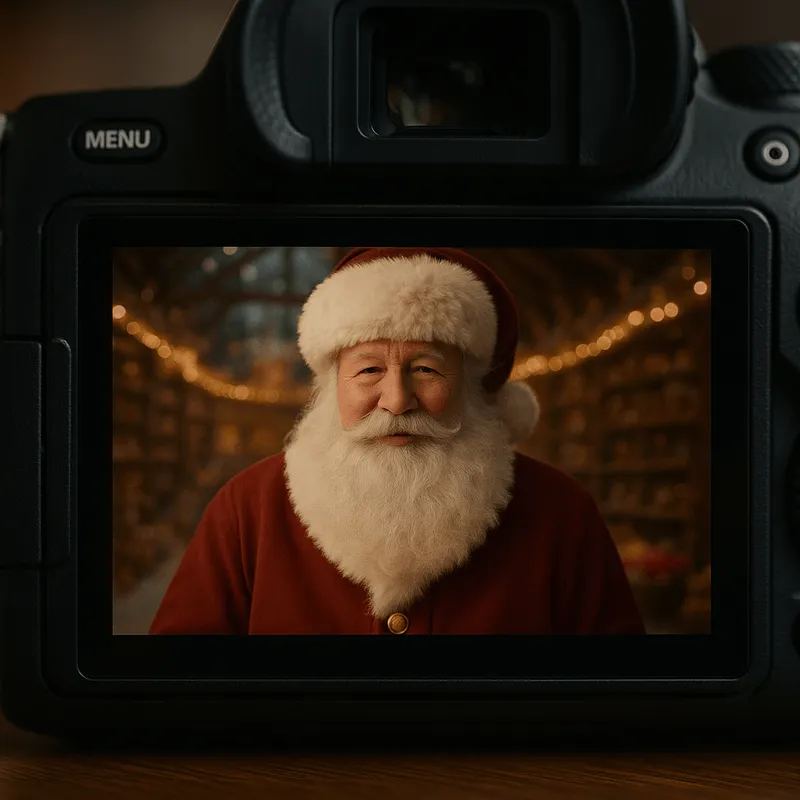
Santa records their message
Pay knowing that 40% will go to the Smile Foundation! The video will take a few minutes to generate.You can either wait for it or we will email you a link to the video when it is ready.
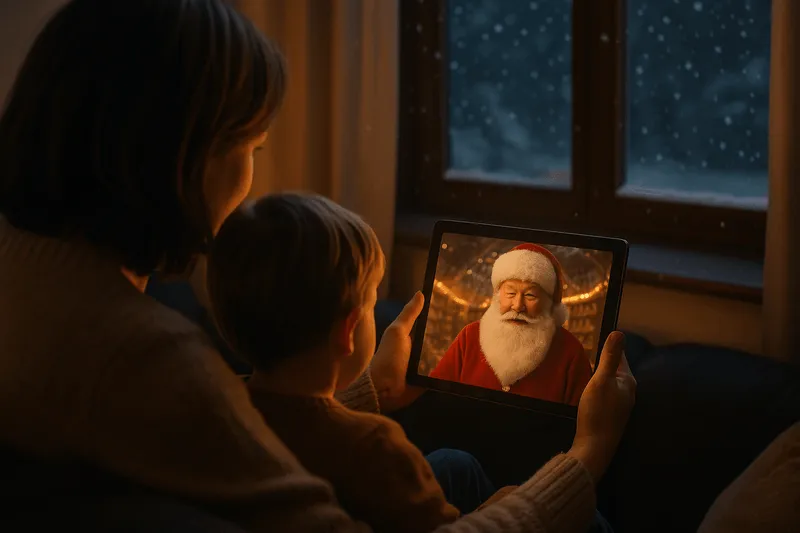
Receive and share the magic
Download the video and share the magic instantly, either via WhatsApp, email or social media, all while helping a child find their smile.
Meet the Smile Foundation
25 Years of smiles, over 5000 lives changed.
Your purchase doesn’t just make one child smile, it helps children born with cleft-palates, other facial conditions, or burns through our partner, the Smile Foundation.
Based in South Africa, the Smile Foundation provides surgeries, speech therapy and emotional support so that every child can smile with confidence.
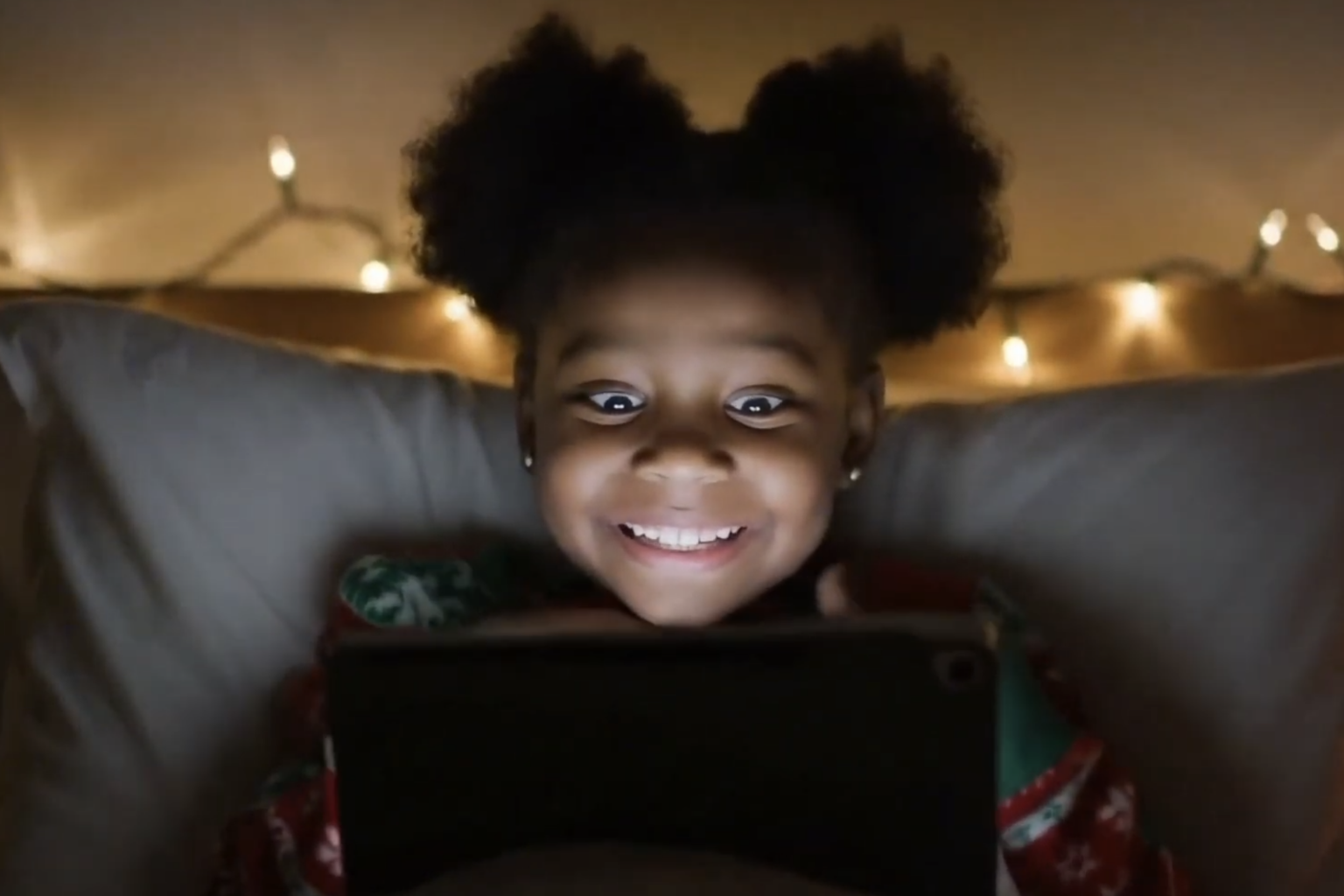
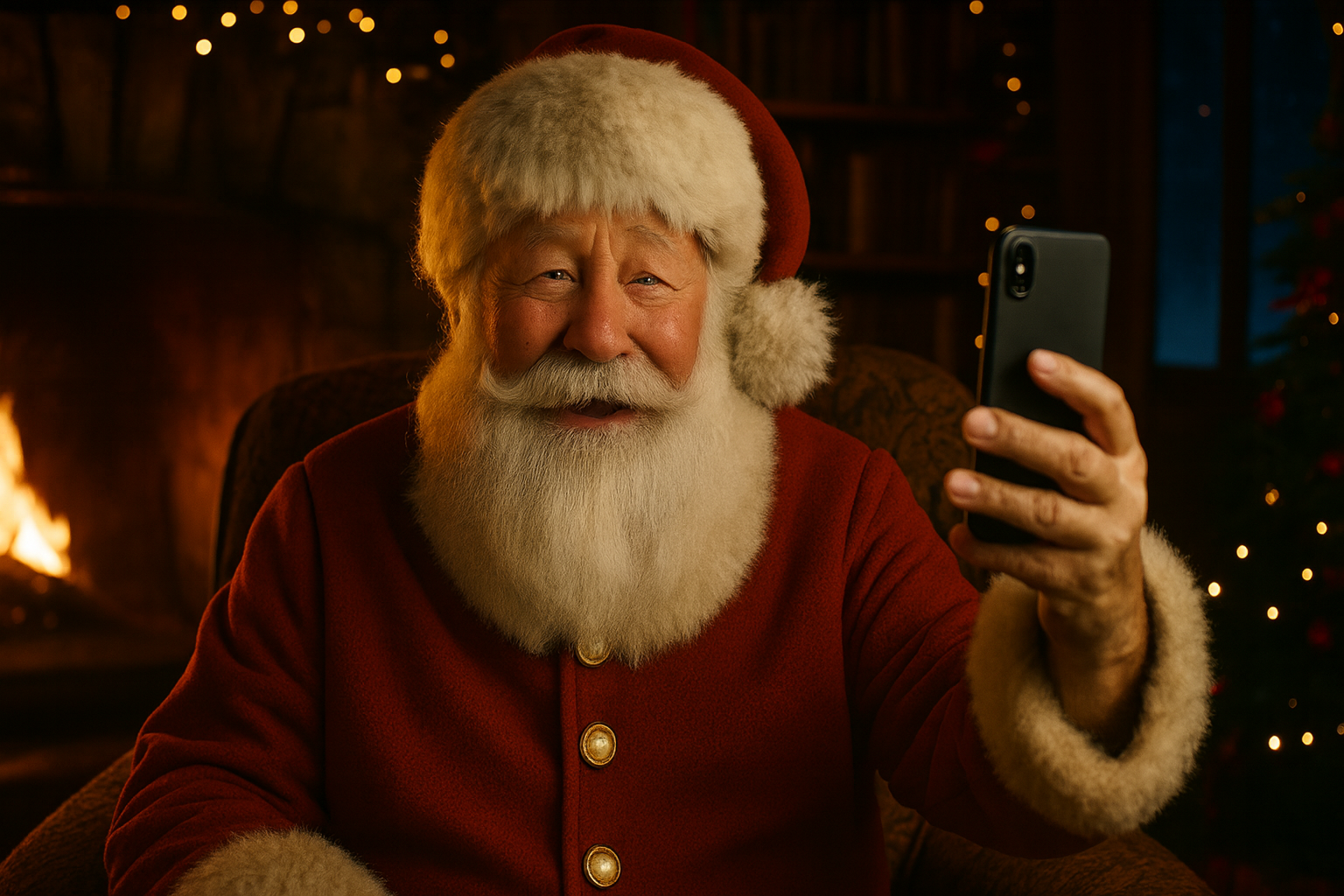
A video message only your child could receive — from Santa himself
Custom-crafted
Santa speaks directly to your child — responding to their story, dreams, or questions.
One-of-a-kind
Every message is uniquely created. No templates. No generic scripts.
A memory they’ll never forget
It’s more than a video. It’s a magical experience they’ll want to relive every year.
Frequently Asked Questions
Got questions? We’ve got answers. Here’s everything you need to know before getting a custom video from Santa.
Hey Santa lets you create a magical, personalised video message from Santa Claus, crafted uniquely for your child or loved one based on your input.
No, this purchase is not eligible for a tax-deductible receipt.
Yes! You tell us the name and a few fun details, and our AI Santa customises the video message for that special person.
Your video will be ready within just 15-30 minutes after you submit your request. We’ll email you as soon as it’s done.
40% of the money Hey Santa raises will be donated to the Smile Foundation where it will be used to treat children with facial conditions, cleft-palates or burns.
Yes! You can enter multiple names and details in a single request so Santa addresses everyone.
Yes! If you upload an image, Santa will acknowledge it in the video, and it will be inserted into a frame behind Santa. If you don’t, the video still works perfectly.
You can either wait a few minutes for the video to be created and then watch and download it, or we’ll send you a secure link by email. You can play the video on your phone, tablet, or computer.
Yes! Every video can be downloaded from the video share page. You can find the download button within the "Video Actions" section.
Of course! You can either forward the link to the recipient, or you can download your video to send anywhere (via WhatsApp, text, social media, or email).
No, you don’t. You can create a video without signing up for an account.
We accept major credit cards, Apple Pay, Google Pay, and more.
First, check your spam or promotions folder for an email from Hey Santa. If you haven't received it after an hour, try to create another video or email us on support@heysanta.com.
Try refreshing the page or opening the link in another browser/device. If issues persist, clear your cache and reload. If that doesn’t work, try downloading the video.
Because each video is generated uniquely, it can’t be edited after it’s created. If you are not happy with the video, you can always create a new one with updated details.